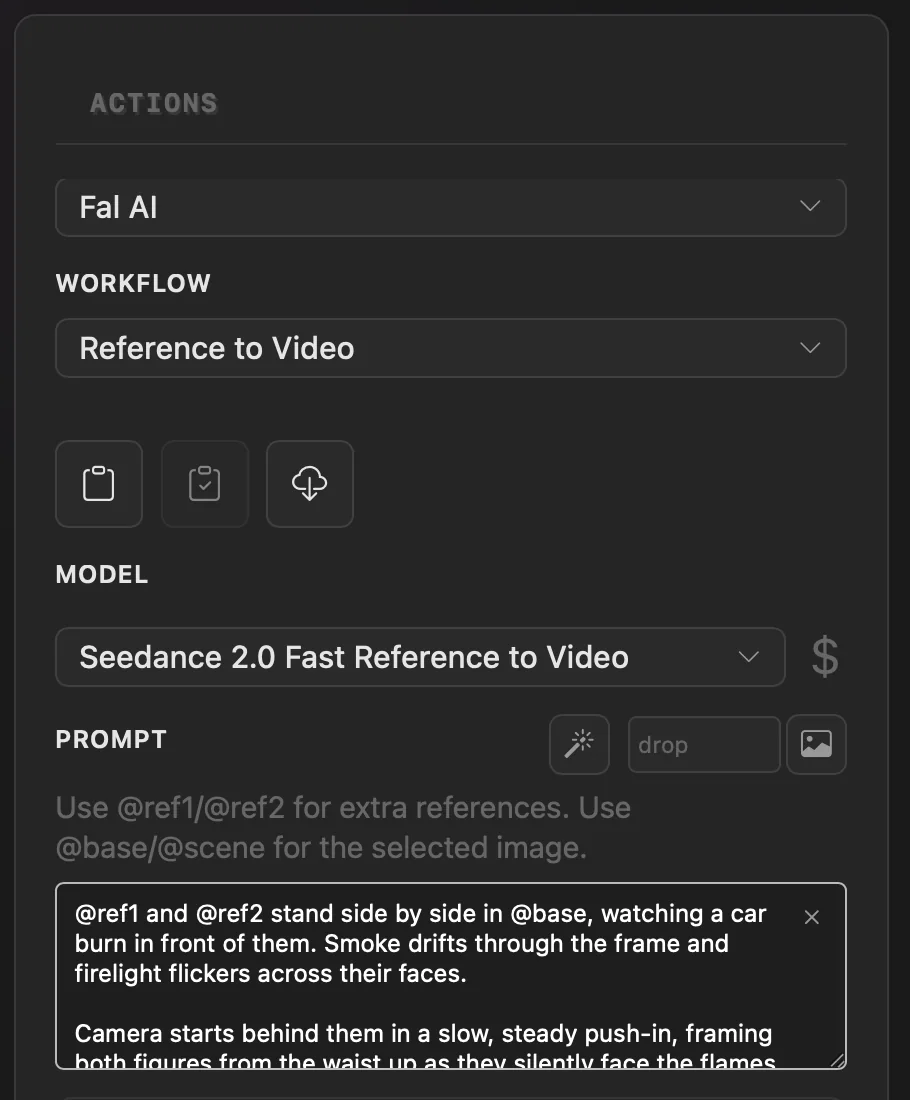
Guide a generation with reference images
Send extra image inputs to a workflow that supports reference slots.
Why use it
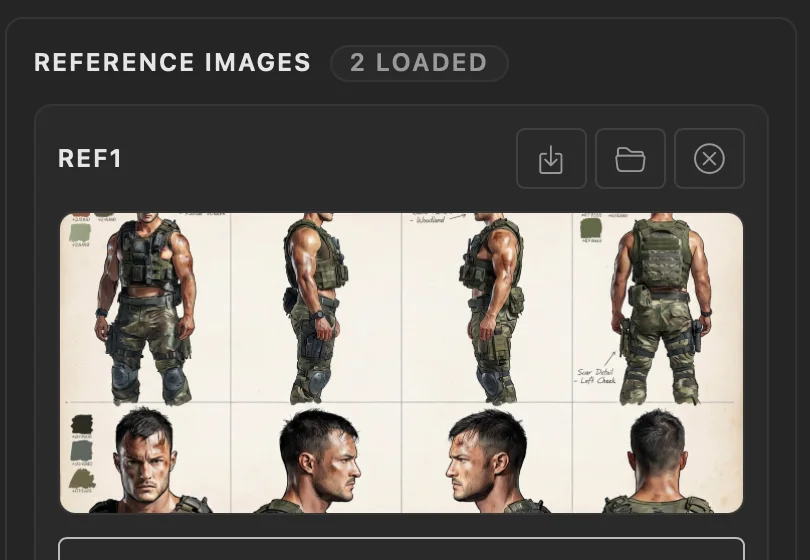
Compatible workflows expose reference slots when they can accept extra image inputs.
Do this
- 01Choose a workflow that shows a Reference Images section.
- 02Choose Use selected file, choose Browse for file, or paste an image path into a reference slot.
- 03Choose Add reference slot to reveal the next slot when that workflow defines one.
- 04Complete the remaining fields and run the workflow.