Generate media with a workflow
Complete the inputs shown by a workflow and send the job to its provider.
Why use it
The selected workflow determines its visible inputs and validation.
Do this
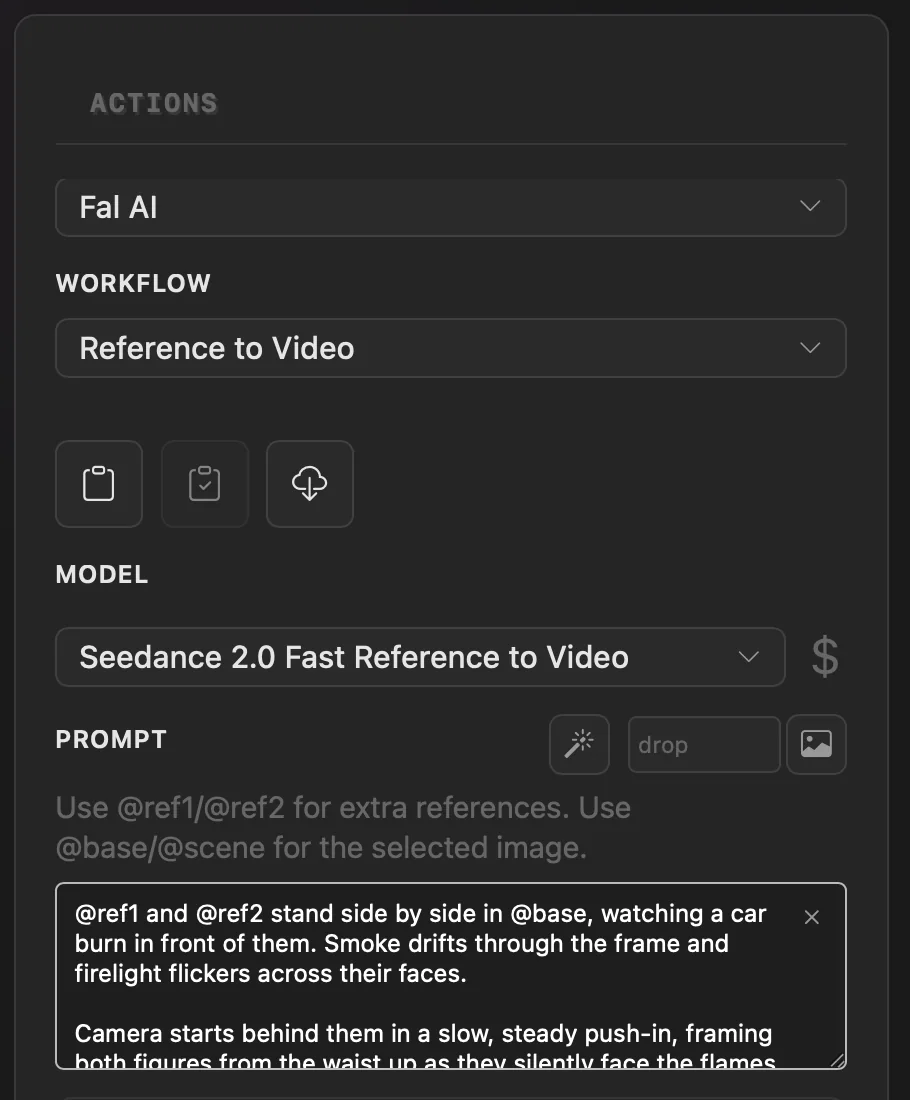
- 01Open Actions > Workflows and choose the workflow you want to run.
- 02Follow its displayed selection requirements, such as selecting media in the browser when requested.
- 03Complete the fields that appear for the selected workflow.
- 04Choose the workflow's Run button. PixelPig adds the job to History while it is processed.