Try an image edit with multiple models
Describe one edit and compare versions from more than one compatible model.
Why use it
Different models interpret the same instruction differently, so a small comparison can reveal the best direction quickly.
Do this
- 01Select an image and choose Chat Edit.
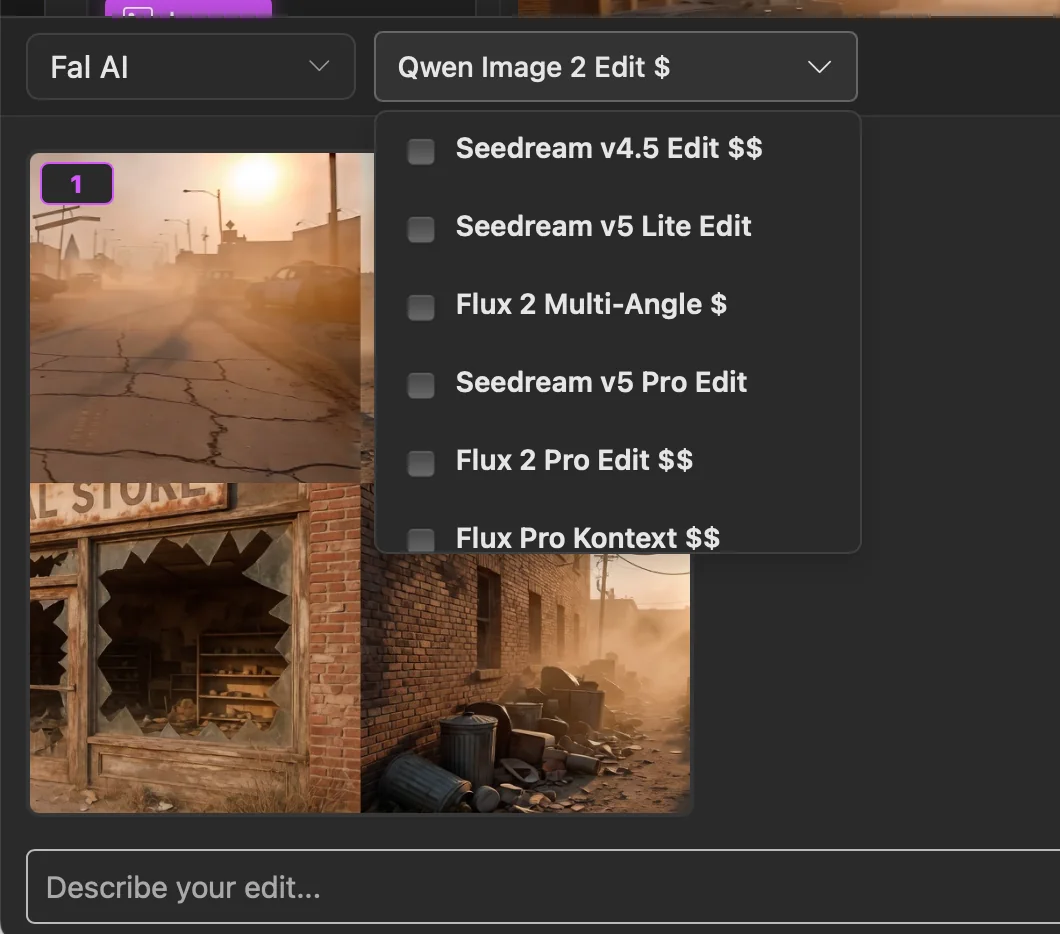
- 02Choose a provider and select one or more compatible models.
- 03Leave Embed metadata on or change it, describe the edit, then send. PixelPig makes one request for each selected model.
- 04Use a result for the next edit, generate more variations, or end the session and save it as a Chat collection.