Check your provider balances
See your remaining provider credits or account balance from PixelPig.
Why use it
Check how much is available before starting a generation.
Do this
- 01Open Provider Billing using the dollar button in the toolbar. Balances refresh when the menu opens.
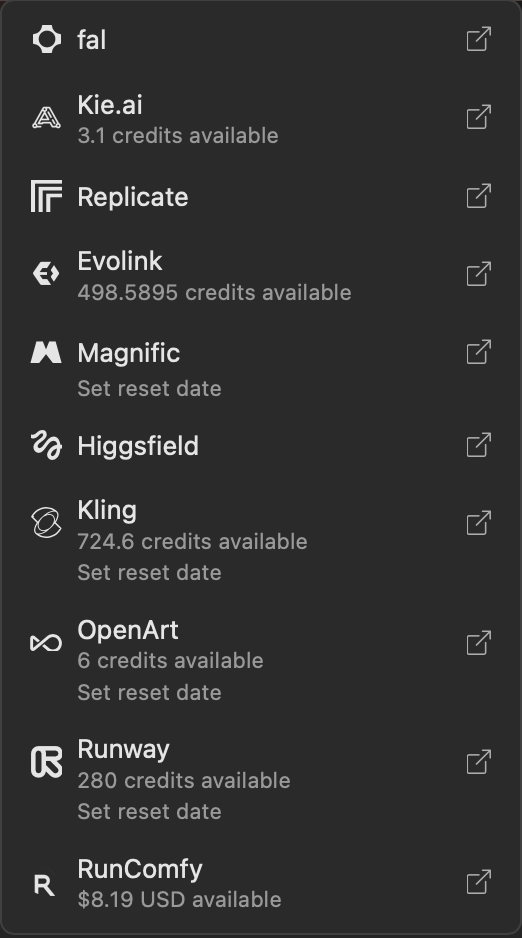
Account balances in Provider Billing - 02Read the balance beneath the provider name. Kling, OpenArt, Runway, Kie.ai, and Evolink show credits. RunComfy shows US dollars.
- 03Choose a provider name to open its billing page. Use that page to check a balance PixelPig cannot show.