Connect PixelPig to an AI service
Choose a provider and paste its credential in Actions.
Why use it
PixelPig connects to your own provider account and stores the credential in Key Vault.
Do this
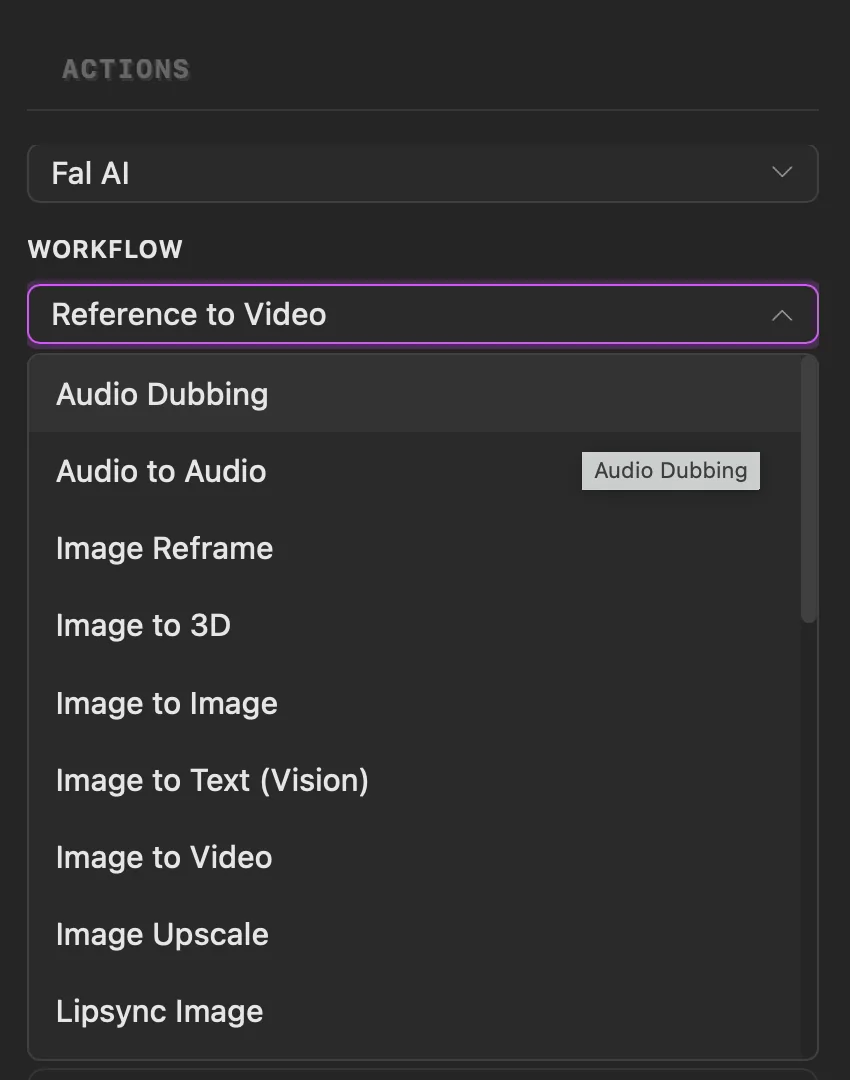
- 01Open Actions, choose Workflows and select a service. Choosing one that needs a credential opens Provider setup in the same panel.
- 02Choose Fal AI for the recommended quick start, or choose another provider.
- 03Use the provider link to sign in or create an account, add about $5 in credits, then create and copy the credential.
- 04Return to PixelPig, paste the credential and choose Save. PixelPig checks it and loads that provider's workflows.