Choose the right workflow for your job
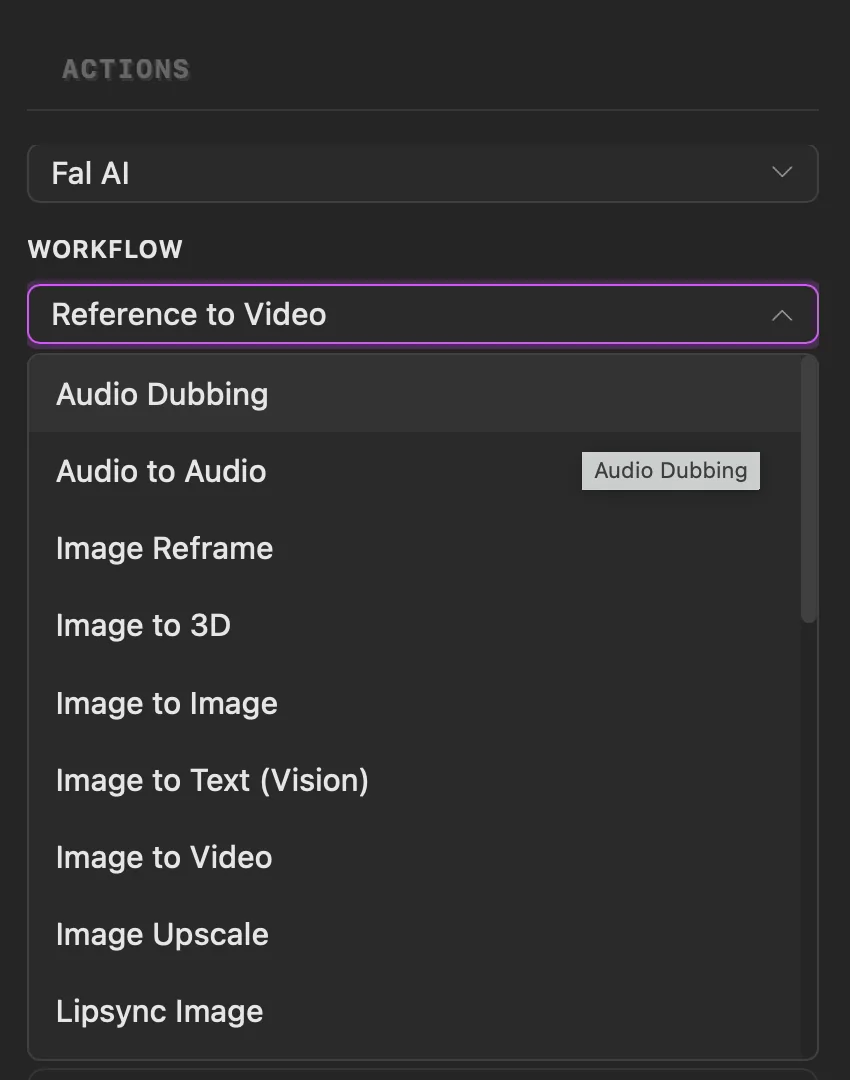
Choose a service when needed, then select the task you want PixelPig to perform.
Why use it
Workflows keep each job focused, whether you are starting from text, an image, video, audio, or reference material.
Do this
- 01Open Actions and choose Workflows.
- 02If more than one provider is available, choose a Service. Otherwise PixelPig shows the service already in use.
- 03Open Workflow and select the job you need.
- 04Follow the selection requirements and fields shown for that workflow.