Create a virtual try-on
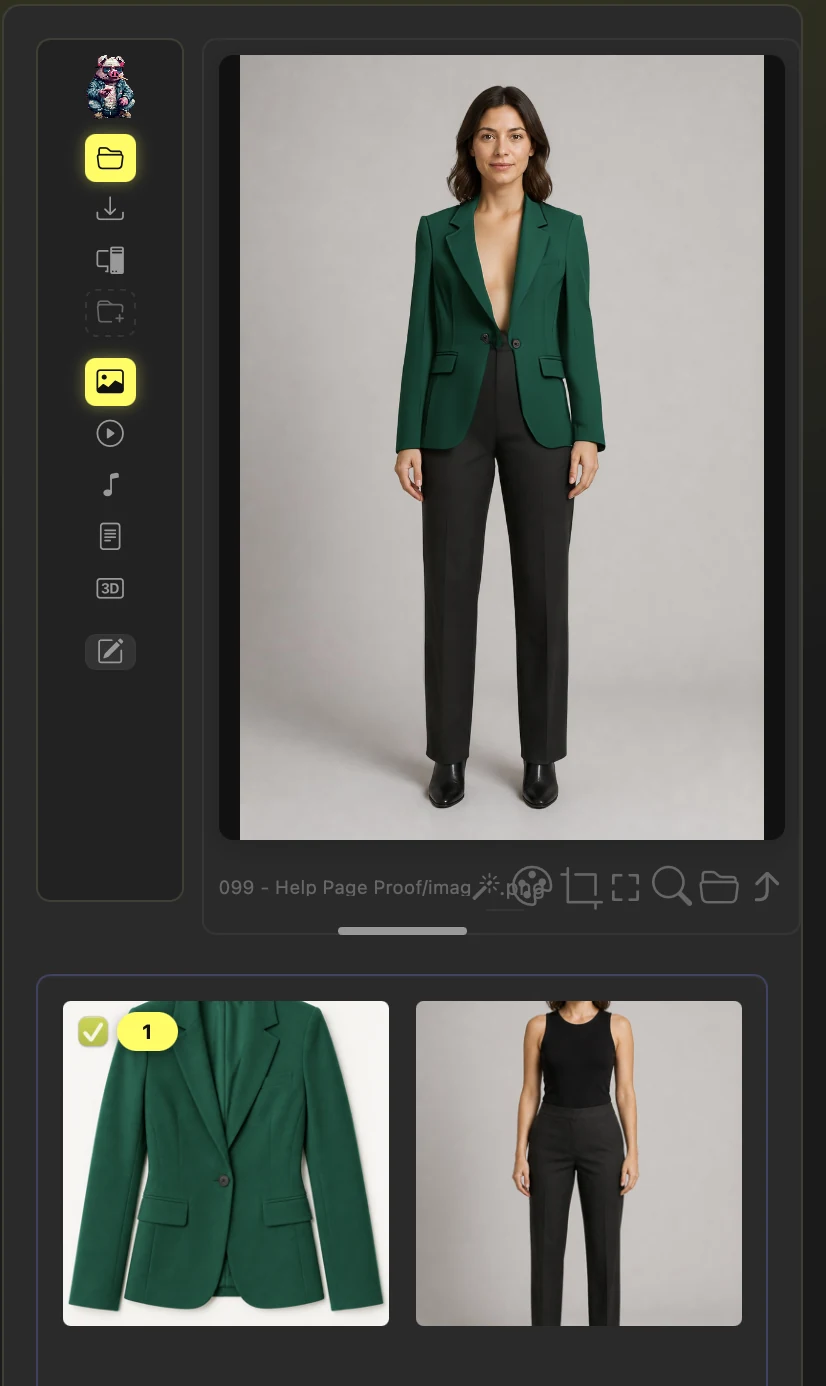
Select garments, load the people who will wear them, and generate every combination.
Why use it
One set of garment shots does the work of a separate shoot for each look.
Do this
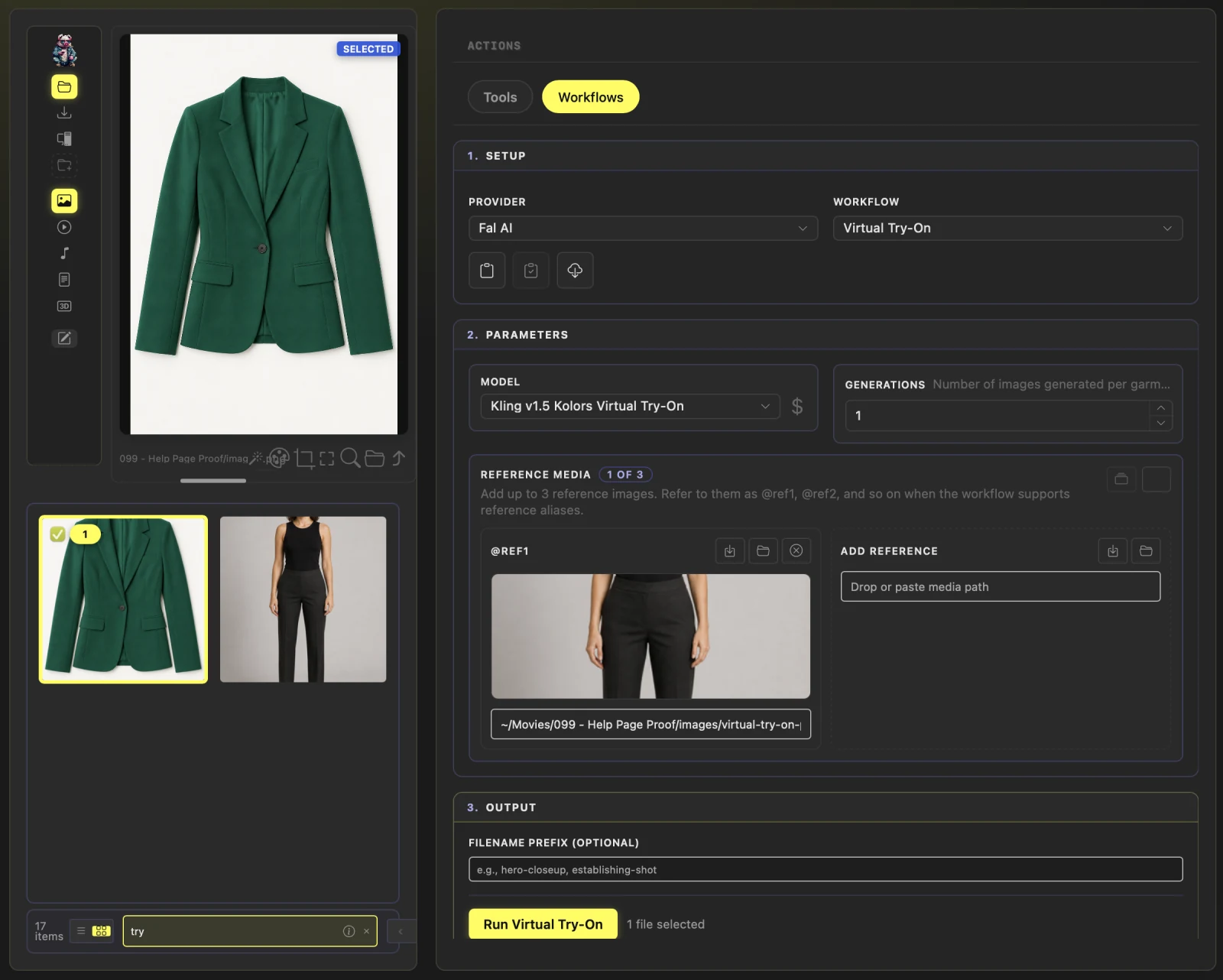
- 01Open Actions > Workflows, choose Fal AI when Service is shown, then select Virtual Try-On.
- 02Select one or more garment images in the media browser. Under Reference Media, load each person with Use selected file, Browse for file, or a pasted path.
- 03Start with the default Model unless you want to compare another try-on model, then set Generations to the number of versions to make of each combination.
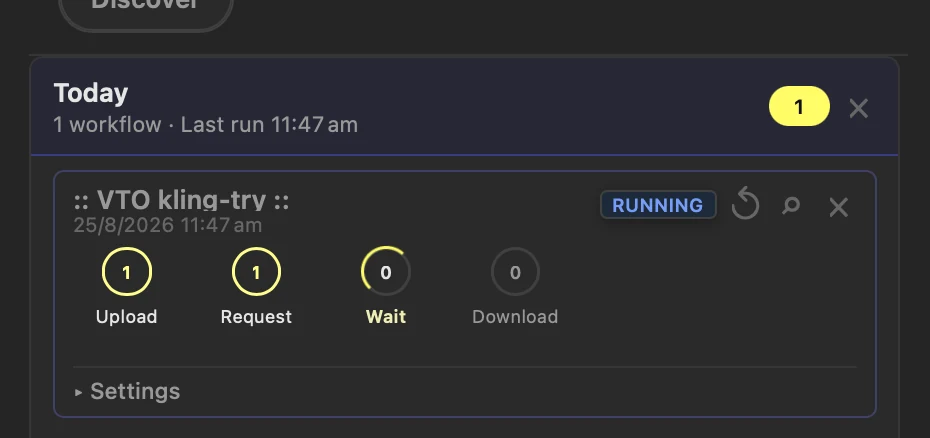
- 04Choose Run Virtual Try-On. Follow the run in History, then select the saved output in the media browser to preview it.