Narrow a large media library
Combine media types, words, and smart filters to get to the right files quickly.
Why use it
A focused browser is easier to select from when a project contains many generated versions and media types.
Do this
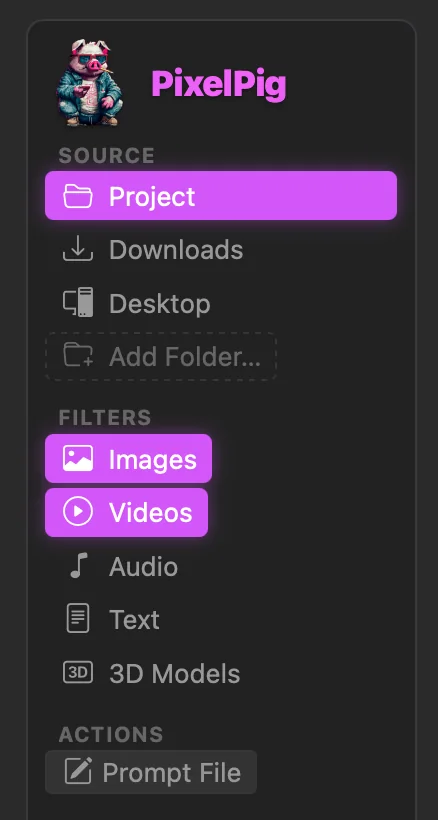
- 01Choose the Source and turn on only the media types you need. Text also includes archive files.
- 02Type one or more words in Filter files; every normal word must match.
- 03Use the info button to see shortcuts such as :portrait, :selected, :unused, :date=2w, or :sort=date.
- 04Prefix a term or shortcut with ~ to exclude it, such as ~draft or ~:date=3days. The :used and :unused filters use PixelPig runs, movies, and collections.