Install PixelPig on Mac
Download PixelPig and put it in Applications.
Do this
- 01Download the Mac version from pixelpig.net.
- 02If PixelPig is running, quit it before installing the update.
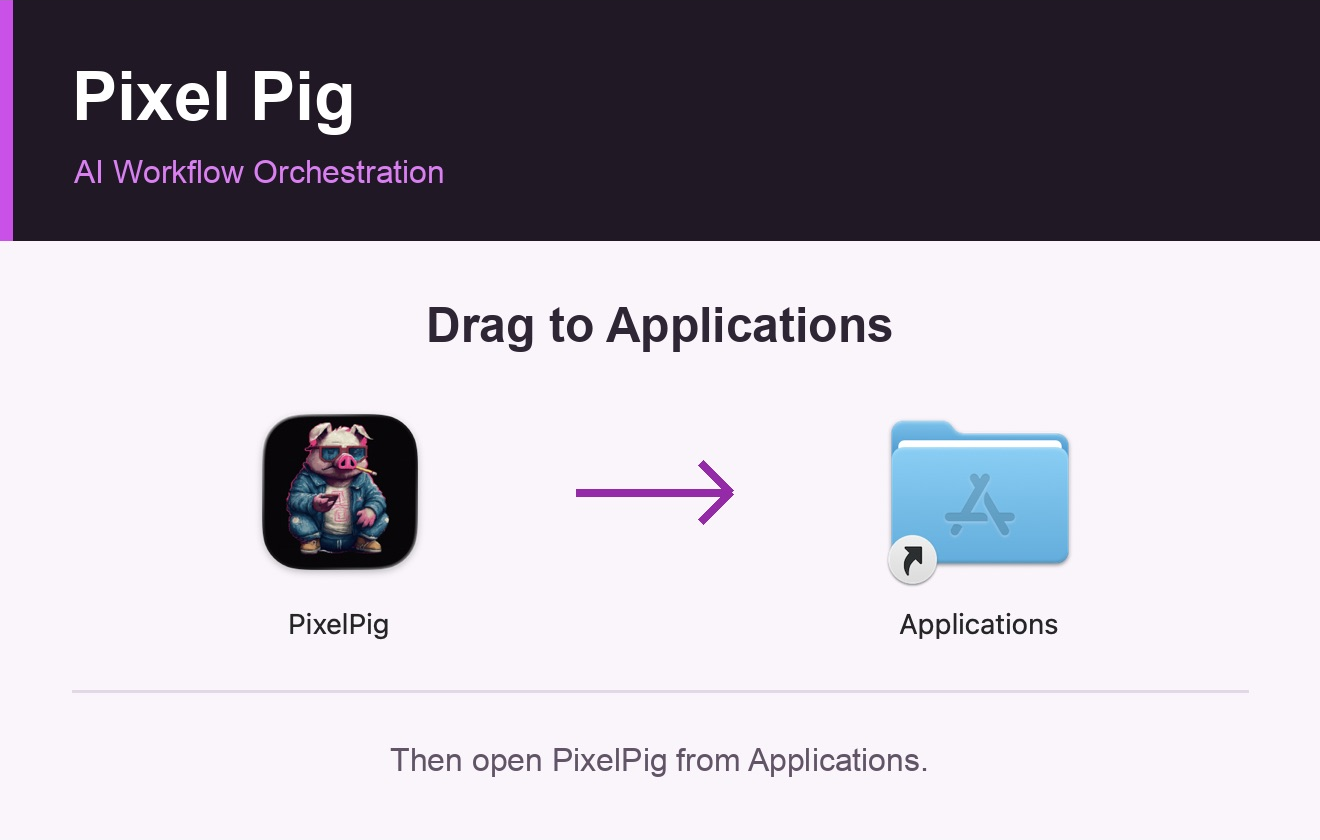
- 03Open the downloaded DMG and drag PixelPig onto Applications. Choose Replace if you are updating an existing copy. For an older ZIP download, double-click it and move PixelPig.app into Applications.
- 04Open Applications and double-click PixelPig. If macOS asks whether to open the downloaded app, choose Open.
- 05Eject the Pixel Pig disk image when you have finished.