Review your provider usage
Filter provider activity, inspect usage charts, and export model-call or workflow-run records.
Why use it
Usage reports help you see which providers, models, projects, and times account for your recent work.
Do this
- 01Open Reports from the top toolbar.
- 02Choose a date range and narrow the report by Provider, Model, or Project. Include dev sessions when you want them in the report.
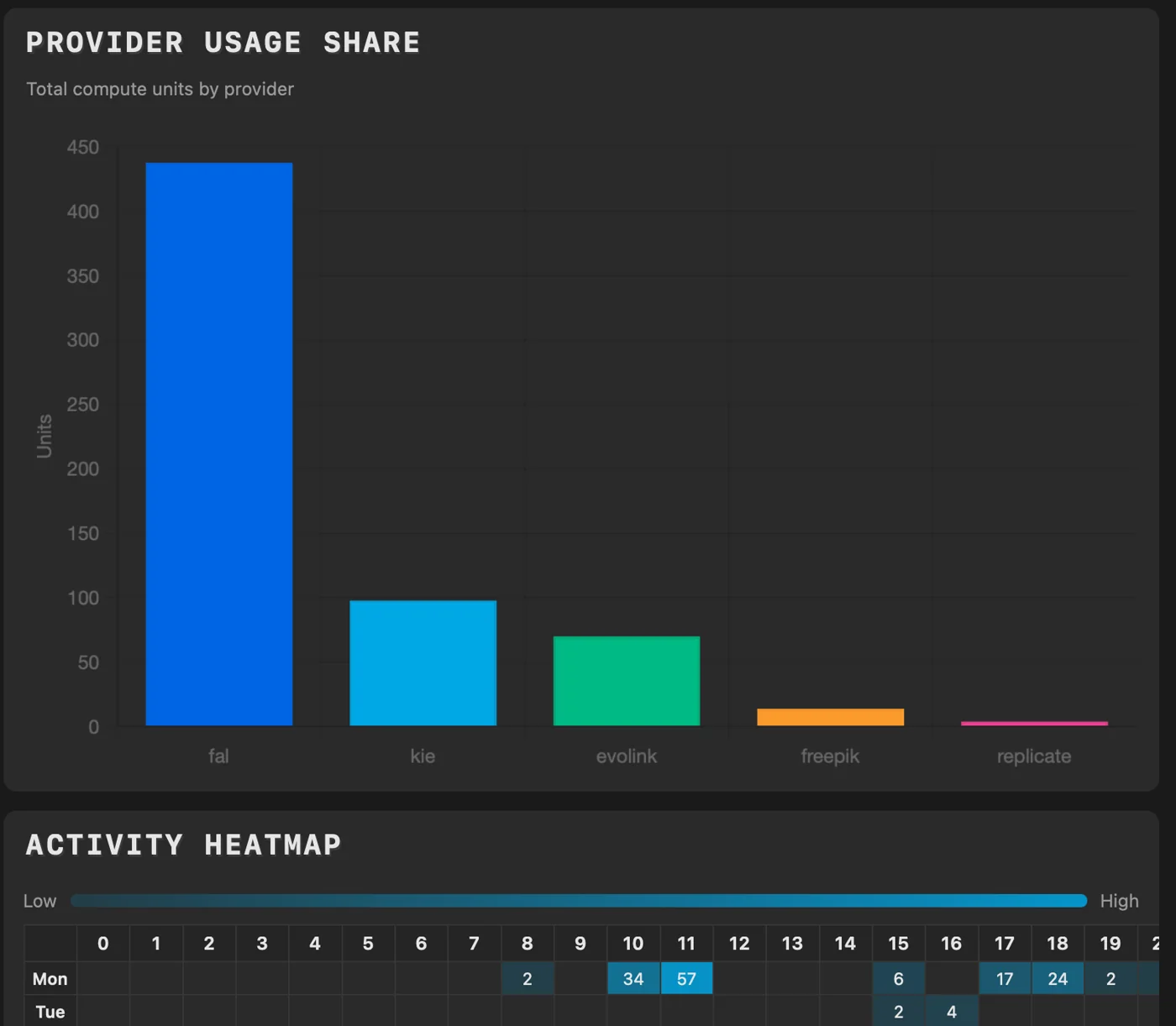
- 03Review usage over time, model breakdown, time per asset, provider share, projects, and activity.
- 04Choose Export Raw CSV for matching ModelCall and WorkflowRun events. Export Summary CSV groups ModelCall totals by project and model.