Run a built-in RunComfy workflow
Connect one RunComfy API token, then run PixelPig's ready-to-use cloud ComfyUI workflows.
Why use it
RunComfy lets you use PixelPig's built-in workflows without installing models or nodes on your computer.
Do this
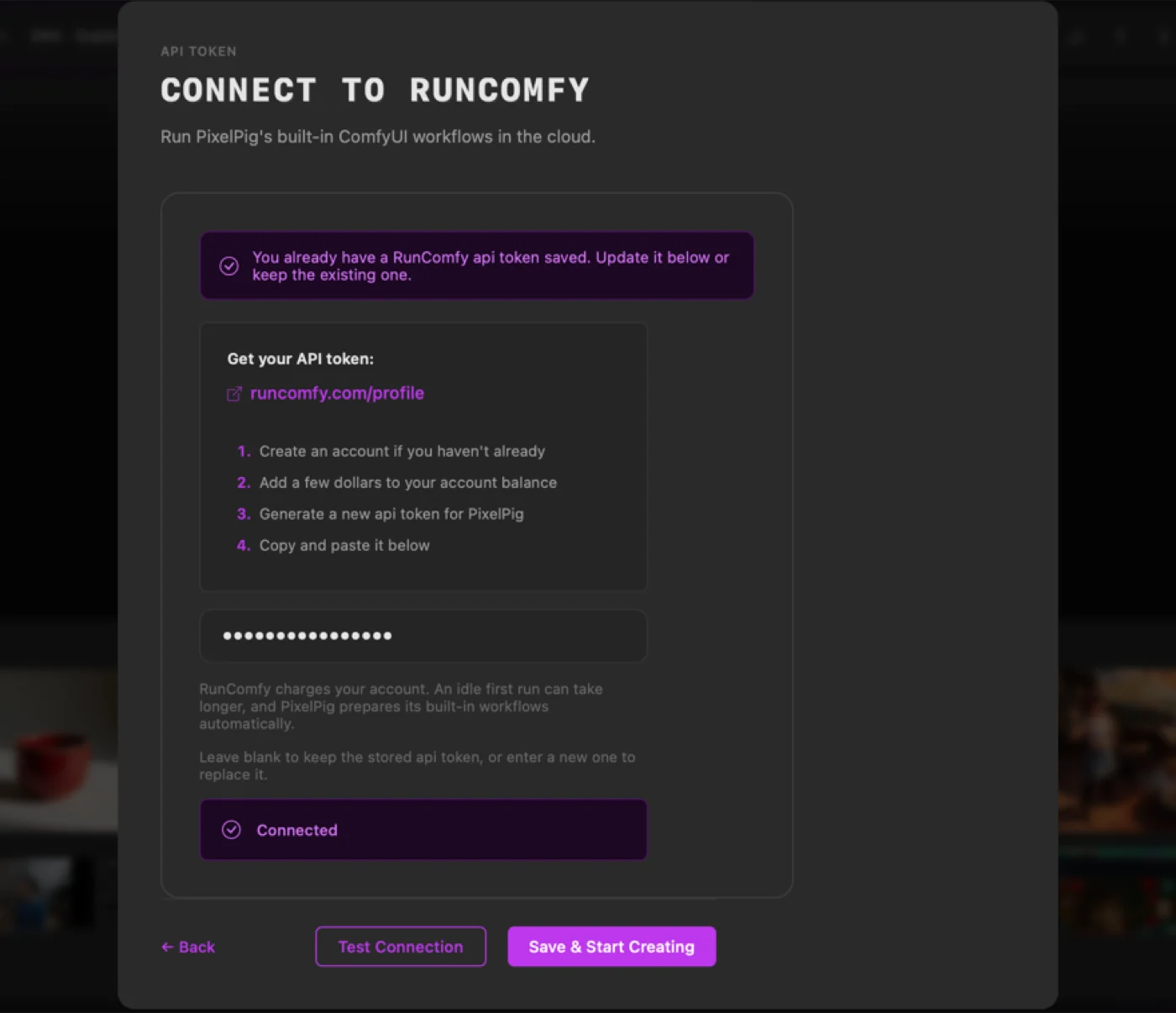
- 01Open Actions, choose Workflows, select RunComfy under Provider setup, then follow the link to get an API token from your RunComfy account.
- 02Paste the token and choose Save. One RunComfy token is enough for PixelPig's built-in workflows.
- 03Open Actions > Workflows, choose RunComfy when Service is shown, select a built-in RunComfy workflow, complete its displayed fields, and choose its Run button.
- 04Open History in the Results panel to follow the run and open its saved output when it is ready.