Keep the part of a video or audio file you need
Mark a shorter range in Fullscreen, preview it, and save a new trimmed file.
Why use it
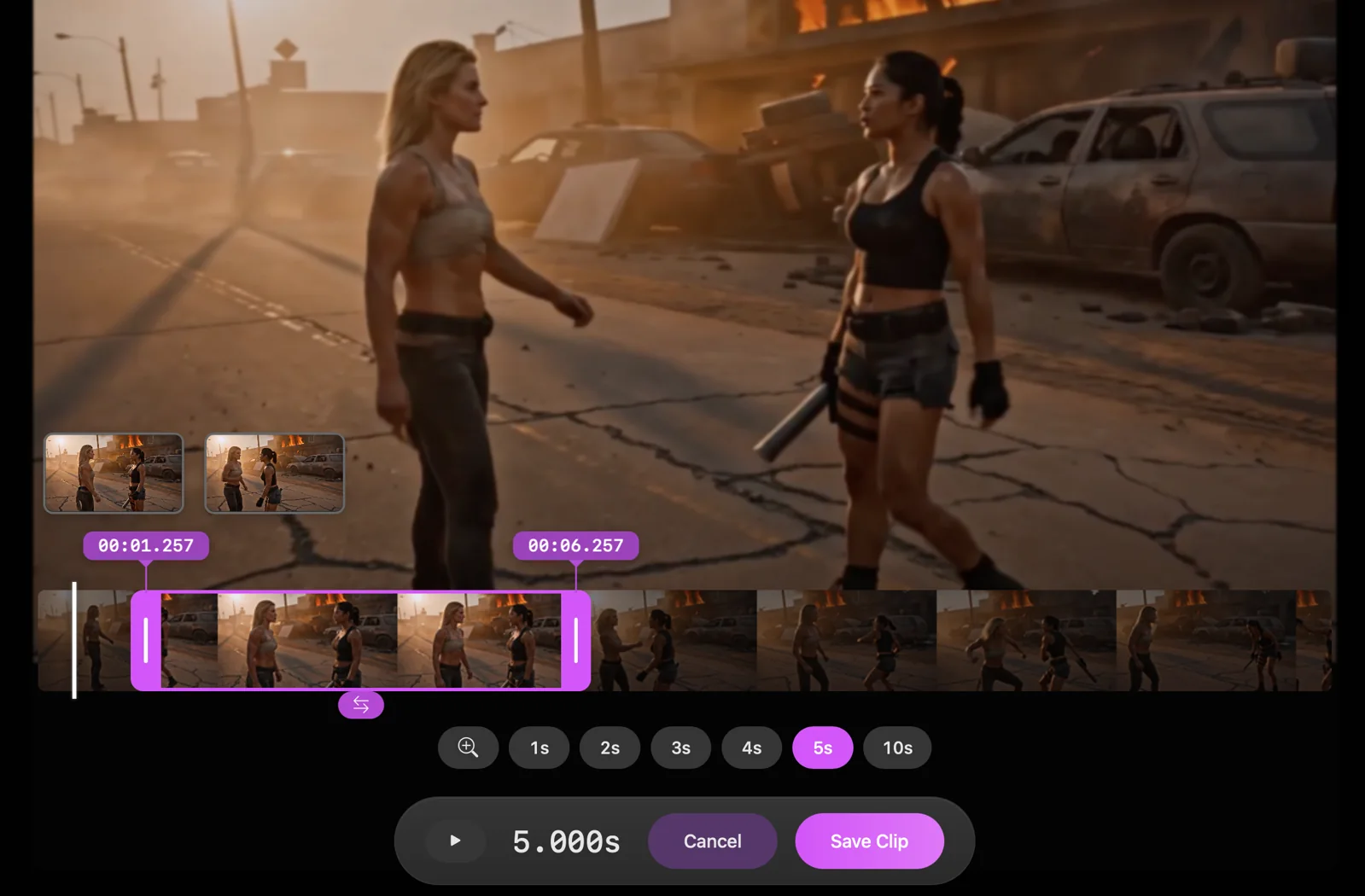
Trimming creates a shorter working copy while keeping the original media.
Do this
- 01Select a video or audio file and open it in Fullscreen.
- 02Press T to enter Trim.
- 03Drag the range handles, or choose a duration preset, to keep the section you want.
- 04Preview the selection and choose Save Clip. PixelPig creates a new -trim file and keeps the original.